01
Head to the top.
Move your mouse to the top of your desktop. Your layout options drop into view.
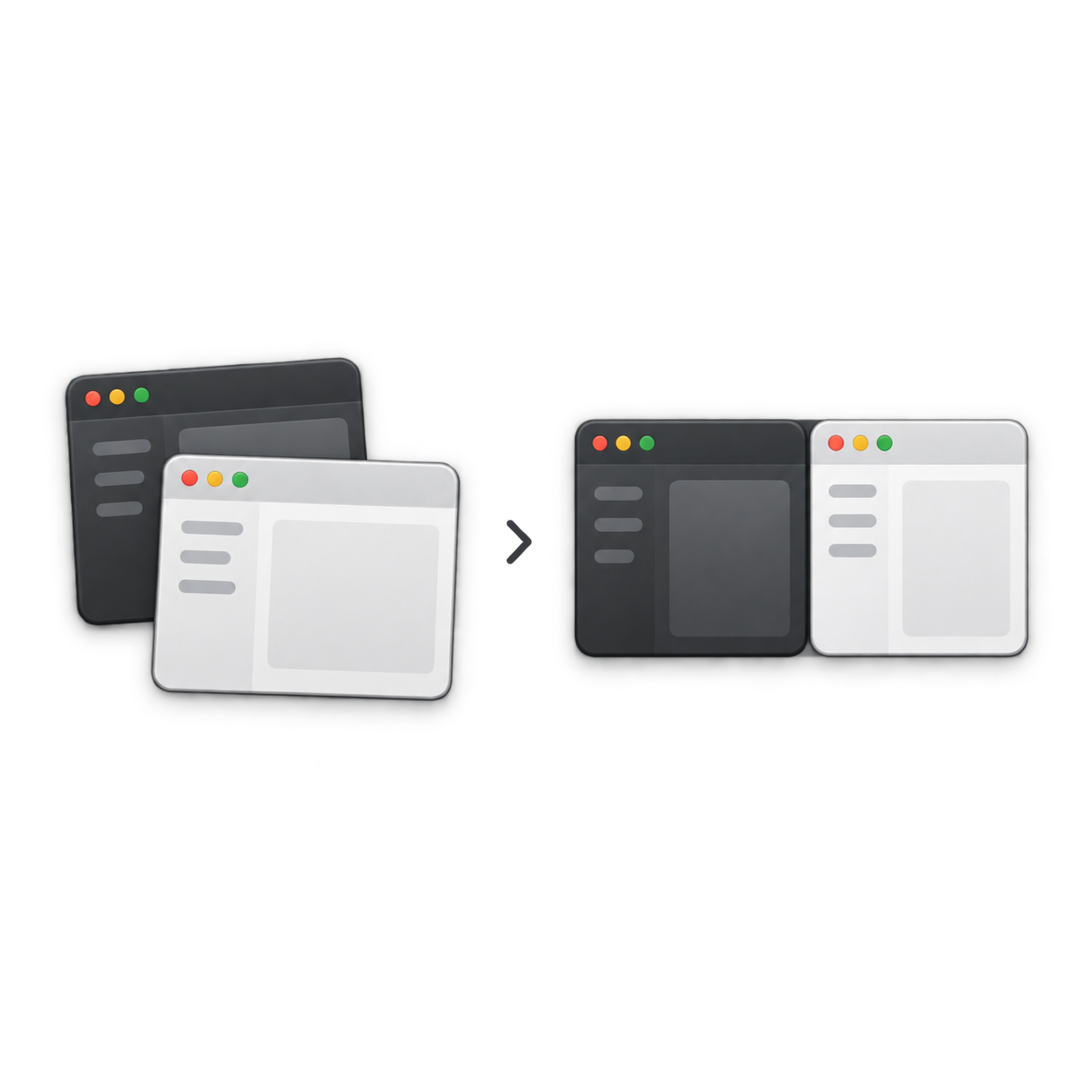
Turn a desktop full of distractions into a space that works for you. Snap, arrange, and move your windows with Drift.
30-day free trial · Download in one click · No commitment
Made for Mac. Windows coming soon.
MEET YOUR NEW MUSCLE MEMORY
Your next thought deserves more attention than your next window resize. Drift makes room for it.
Move your mouse to the top of your desktop. Your layout options drop into view.
Choose the arrangement that fits what you’re doing, from focused writing to side-by-side work.
Your windows snap into place. Everything you need is ready, so you can keep moving.
A SPACE FOR EVERY MODE
Give your main task room to breathe, and keep the supporting pieces within reach.
Keep your draft front and center, with research and notes alongside it.
Move windows between displays and put your whole setup to work.
Build custom arrangements for the way you think, create, and work.
YOUR WORKSPACE, ON YOUR TERMS
Try Drift free for 30 days, then choose the personal license or lifetime updates that fit your work. Mac is available now. Windows is coming soon.
Try the full Drift experience, then keep your space set up for better work.
No card required to download
Settle in. Keep getting what’s next.
Secure checkout with Stripe
After your first year, the optional Update Pass includes new features, OS compatibility updates, layouts, workflows, and major releases.
$9.99 / year
Get Update PassBEFORE YOU MAKE ROOM
Clear answers. An easier decision.
Compare your optionsMove your mouse to the top of your desktop. Drift drops down a picker with layout options. Select an arrangement and your windows snap into place. You can try this flow in the interactive preview above.
Download Drift directly and try the full experience free for 30 days. When you’re ready to keep it, choose the Personal license or Lifetime Updates plan that fits your setup.
Drift is available for Mac now. Windows is coming soon. The personal license covers Mac and Windows, but the Windows app is not yet available.
No. Personal is a one-time purchase with one year of updates. After that year, you keep your last eligible version forever. The optional $9.99/year Update Pass gives you continued updates. Lifetime Updates includes future updates in its one-time price.
Personal costs $19.99 once, covers up to three devices, and includes one year of updates. Lifetime Updates costs $49.99 once, covers up to five devices, and includes lifetime updates and every major release.
Yes. Drift lets you move windows between displays and arrange your workspace across your monitors. You can also build custom layouts for different kinds of work.
LESS ARRANGING. MORE LIVING IN YOUR FLOW.
A more intentional workspace starts with Drift.
Start your 30-day free trial Download free · Mac now · Windows coming soon